CHALLENGES
Alarms go off,
but the building is still seen in pieces
Fire panels, emergency bells, leak detectors, elevators, substations. Each trade has its own screen and its own vendor. When an alarm goes off, staff have to find the floor and room all over again, and the outcome ends up in a paper log.
Facility manager
“Each system sounds its own alarm. Just deciding which one comes first takes minutes.”
Control operator
“When something happens, we search the manual every time for what to do first. It’s worse at night.”
Operations head · Building owner
“More buildings means more staff. We only find out what happened from the month-end report.”
KEY FEATURES
Every monitoring screen you need, in one place
3D integrated view
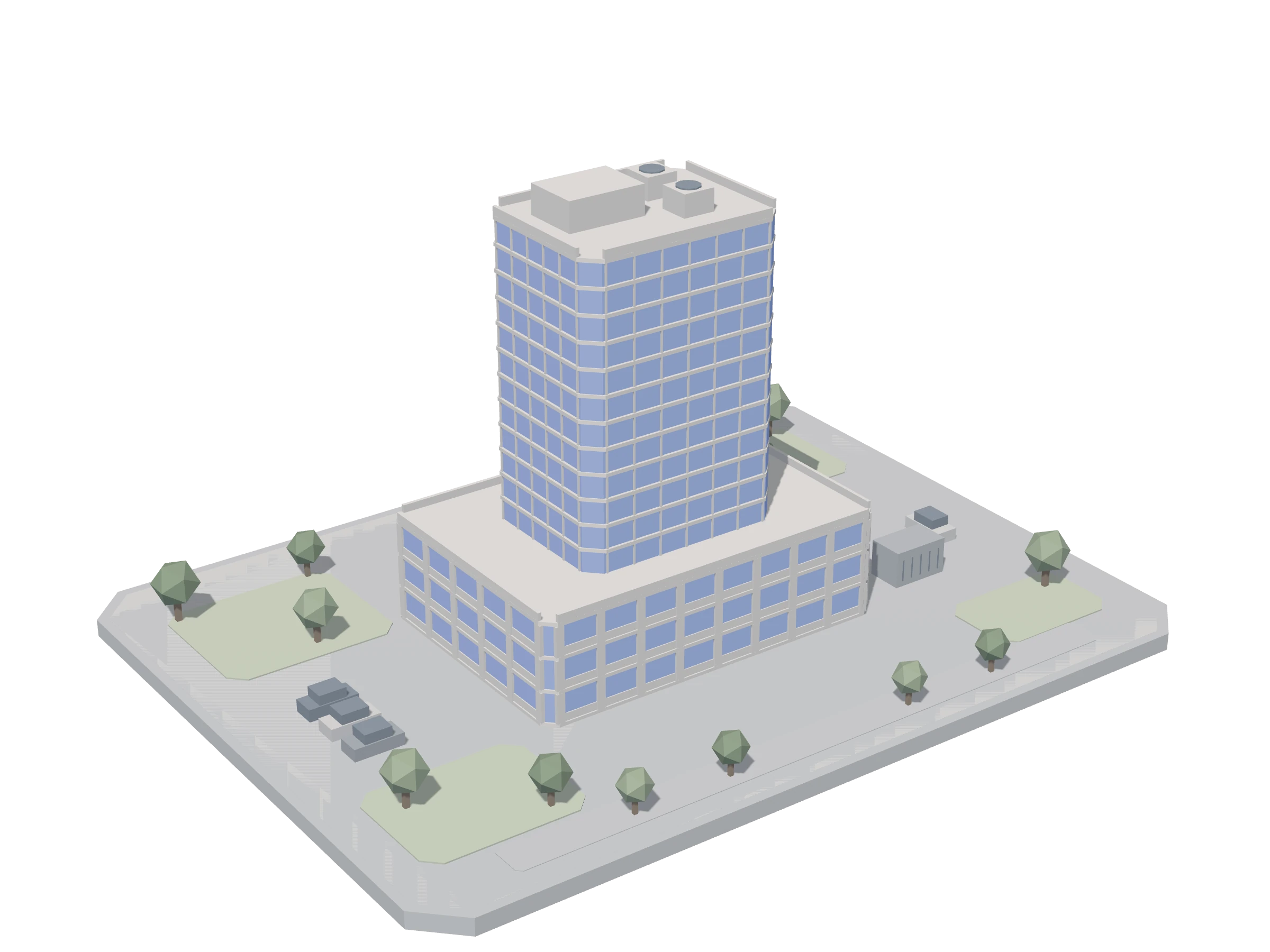
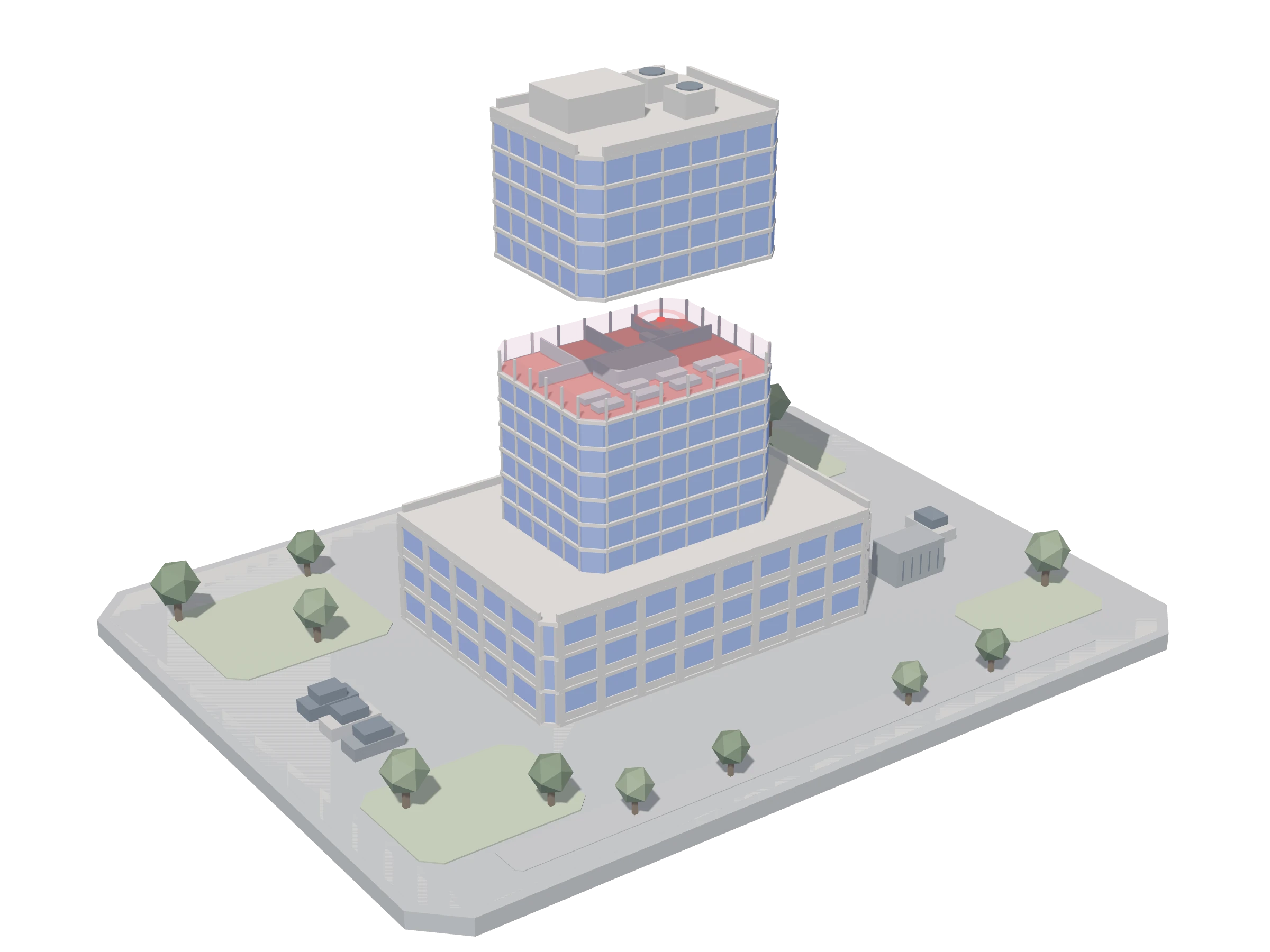
We create a 3D model of the building from BIM or drawings, tag each detector and piece of equipment with its floor and location, and manage it as a monitoring point. When an alarm goes off, that floor opens up and turns red.
Unified alarms
See alarms from every trade in one list, by priority.
Automatic SOP guide
Shows the steps for each alarm type in order and collects the result of each step.
- Control room checks the signal
- On-site staff called
- On-site check (real fire or not)
- Restore · Closing report
Mobile field app
Staff get the call on their phone, see the route, and upload photos and results.
History · Reports
Who did what and when is logged and becomes daily, weekly and monthly reports.
Owner reports
Building owners get notified of results and see a monthly summary. Statutory inspection schedules are tracked too.
Equipment maintenance · BIM integration
When an alarm is judged to be a fault, it becomes a maintenance work order in Inno AMS, and design data from InnoBIM is used directly as the 3D model.
PROCESS
Implementation process
- 01Site assessment · Survey of trades to integrate
- 023D modeling · Monitoring point design
- 03Edge device installation · Integration · SOP setup
- 04Training · Pilot operation · Handover to operations
FAQ
FAQ
Do we need to replace existing equipment?
In principle, no. A NAEDAM edge device connects to your existing equipment, picks up its signals and links them to monitoring. Some equipment may need extra work depending on its communication method and site conditions, so we check each device together during the site assessment.
How long does implementation take?
Implementation time depends on the trades to integrate, the number of monitoring points, and the site network and equipment. We give you a schedule after the site assessment.
Does it work for older buildings without a 3D model?
Yes.
Subscription or on-premises: which should we choose?
If you have several buildings and want to start quickly, we recommend subscription. If you need network separation or integration with existing SI, we recommend on-premises.
RELATED
Solutions that work together
CONTACT US
Talk to us about BuildingON
Tell us your building type and size, and we’ll review the trades to integrate first. A specialist will get in touch after reviewing your request.